
Why Was the K1 Designed for Education?
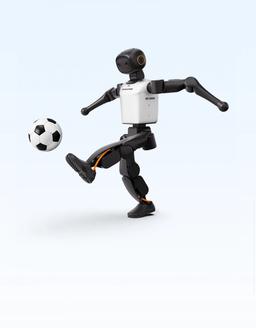
The K1's dimensions come from the RoboCup KidSize rule set, and they turn directly into classroom advantages:
- Portability: at 19.5 kg and about 95 cm, a teacher can carry the robot between classrooms without help; a dedicated lab room is not required.
- Fall safety: in this weight class, when the robot tips over neither it nor its surroundings take serious damage. Falls are unavoidable in humanoid robotics education, so letting students learn by trial and error matters.
- A real joint structure: 22 degrees of freedom (6 per leg, 4 per arm, 2 in the head), 60 N·m (manufacturer-stated) peak torque and dual-encoder joints. Not a toy, but a scaled-down research body.
- Sensing: a stereo depth camera, a 9-axis IMU and a circular three-microphone array; vision, balance and voice interaction lessons can all run on the same robot.
There is no waist joint and there are four joints per arm; the K1 is a locomotion and interaction platform, not a manipulation one.
What Is the Difference Between Geek, Education and Professional?
| Measure | Geek | Education | Professional |
|---|---|---|---|
| AI performance | 48 TOPS | 117 TOPS | 200 TOPS |
| Battery | 2 Ah | 5 Ah | 5 Ah |
| Runtime (1.1 m/s) | About 20 minutes | About 70 minutes | About 70 minutes |
| Wireless | Wi-Fi | Wi-Fi 6 | Wi-Fi 6 |
| Manufacturer's warranty | 3 months | 1 year | 1 year |
| Body, joints, sensors | Identical across the three editions | ||
For classroom use the battery decides: in a 40-minute lesson the Geek edition needs a charge mid-lesson, while Education and Professional last the whole lesson. The compute difference matters if vision models will run on the robot; 117 TOPS is enough for ready-made policies and basic vision tasks, and 200 TOPS suits university teams that will train and run their own models on the robot. That is why Education is usually recommended for schools and Professional for university labs.
Curriculum and Workshop Scenarios
The same robot carries different lessons at different levels:
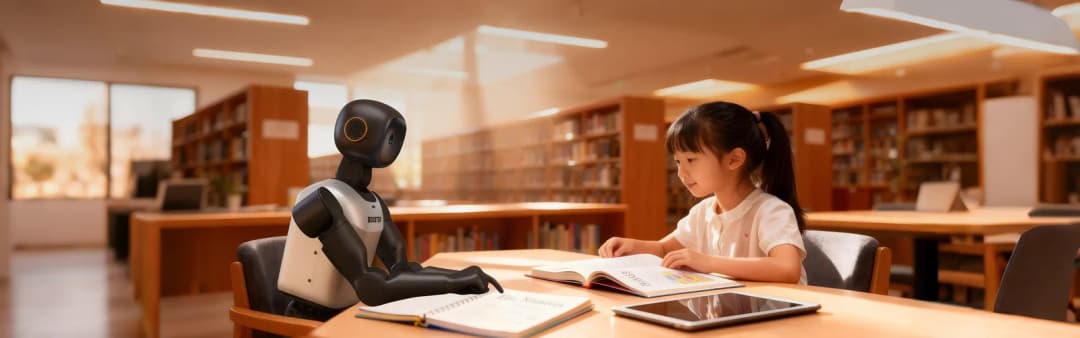
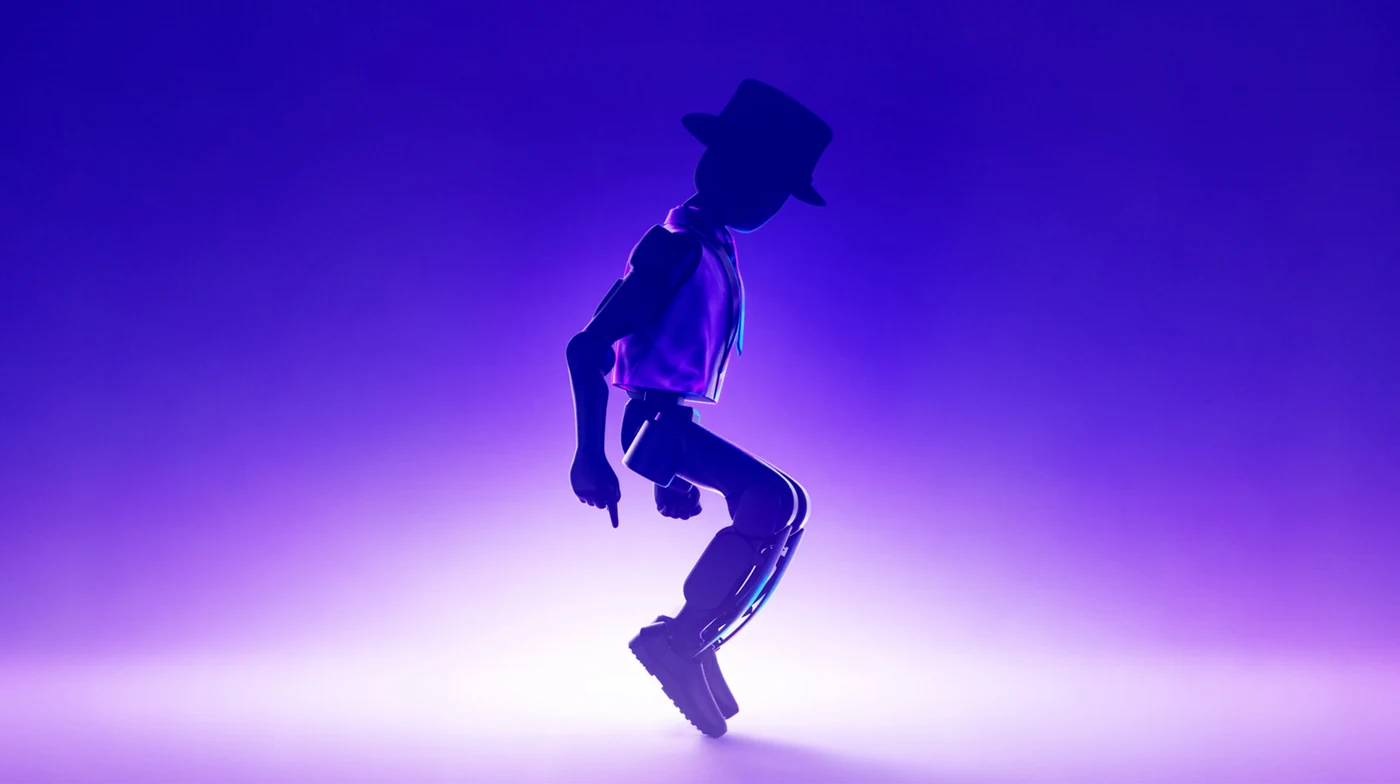
- Middle school and introductory high school: built-in motions, dance and walking demos, direction and balance concepts with the remote controller, reading IMU and camera data on screen.
- Advanced high school and robotics clubs: a first command in Python. The Booster SDK Python package is installed with pip; students send walk, stop and turn commands, read sensor data and write simple tasks.
- Introductory university: the C++ SDK, DDS-based communication, object recognition in the camera image and a study of the YOLOv8-based vision pipeline in the robocup_demo software.
- Advanced university: policy training for the K1 in Isaac Lab with booster_train and running the same policy on the real robot with booster_deploy.
For installation and API details see the Booster SDK development guide, and for the reinforcement learning workflow the Booster Gym guide.
Is the K1 Suitable for RoboCup?
Yes; the K1 is a body that can be used in RoboCup's small and middle humanoid categories. The open-source robocup_demo software provides vision, decision-making and game controller components for the K1, so a new team does not have to start from scratch. For team-building steps, see the humanoid soccer robot and RoboCup guide.
How Do School Purchasing and Delivery Work?
Robotlar.org is the Official Distributor of Booster Robotics in Turkey. For school and university purchases, a proforma including taxes and freight and a technical specification text are prepared with the quote; delivery time depends on edition and configuration and is stated in the quote. On delivery the robot is commissioned at the school and teachers and lab staff are trained; warranty and authorized service are handled in Turkey (1 year on the Education and Professional editions, a three-month manufacturer's warranty on the Geek edition).
See the Booster distributor in Turkey guide for the ordering steps, the K1 editions and quote page for the quote structure and the educational robots page for other education platforms.